The US edition: a new security awareness library for US teams
The US edition is a new library made for US teams, not our Gulf courses dubbed: 40 story courses and 11 standards courses, 51 in all, and all of them finished. The cast, offices and names are American, the English is US English (American accents, US spelling, dollars), and US privacy and HIPAA content is in this edition only. Every course has a scenario quiz and captions.
Available now
All 51 courses are finished. Ask us for a demo or a price.
What the US edition is
| US edition | |
|---|---|
| Library | A new library: 40 story courses and 11 standards courses, 51 in all. New stories, quizzes and titles for every course. |
| Company | A new fictional company with a US office, the same in every story |
| Local cast and settings | Local cast, offices, spelling and money for each edition: American people and names, US offices, streets and homes. |
| Voices and spelling | English AI voices with American accents; US spelling: organization, program |
| Money | Dollars |
| Scams | Fake IRS messages, package redelivery fees, gift card requests, holiday bonus emails |
| Where to report | Your company's report button first; then the FTC and IC3 (the FBI's Internet Crime Complaint Center) |
| Law | US privacy and HIPAA, in the US track only |
The 40 story courses
Each course is a short animated story with a scenario quiz and captions. These are the US names; where the UK edition differs, its own page says so.
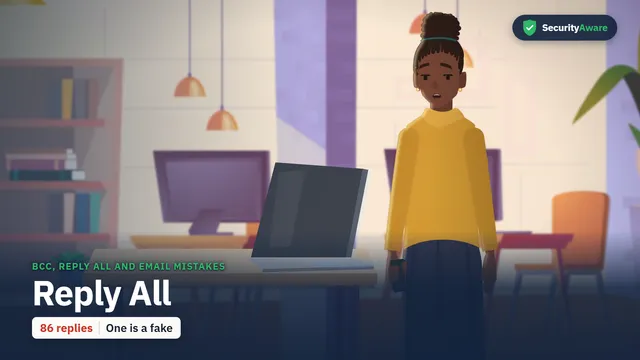
Toby sends a party invite to eighty clients with all their addresses in the To line, and the replies start to pour in. You will know when to use BCC, why not to reply all, and how to spot a fake reply.
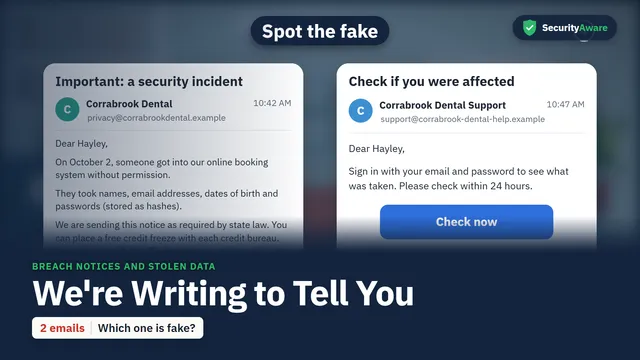
Hayley gets an email from her dentist's booking system about a security incident, then a second email that looks just like it. You will know what a breach notice means and how to tell the fake follow-up.
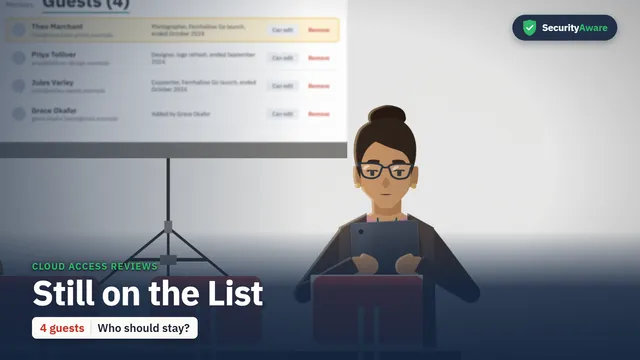
Laura checks the shared workspace before Grace adds a new contractor, and finds old guests who are still on the list. You will be able to give guests only what they need, and remove them when their work ends.
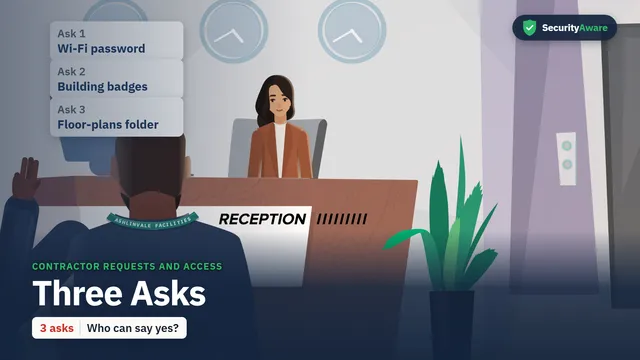
Dale, from a genuine new facilities vendor, asks Molly for three things: the Wi-Fi password, badges for his crew and the floor plans. You will know who can say yes to each ask, and how to check first.
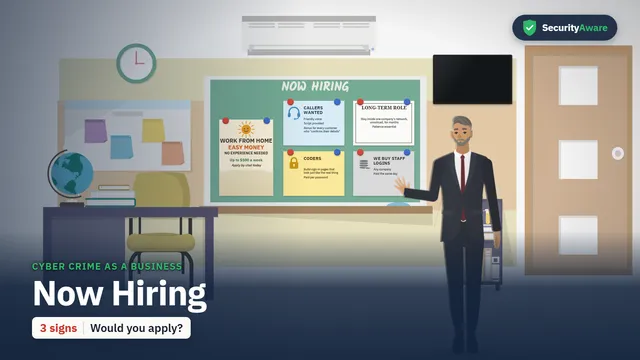
Richard runs a class on how online crime groups work, using a job ad that looks too easy to be true. You will be able to spot a money-mule job ad and know what to do if you or someone you know replied.
Laura shows Kevin the file a stranger could build about him from public sources, including his limit and his vacation plans. You will be able to share less in public and spot a payment request built from it.
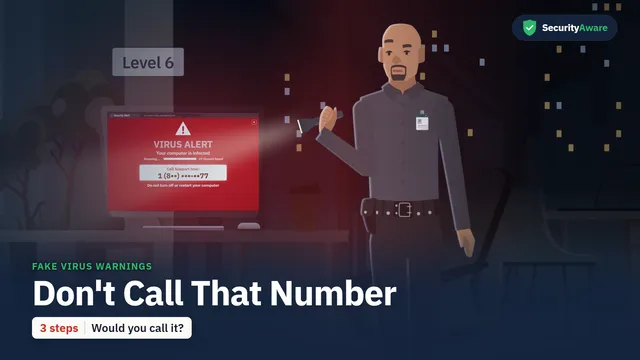
Steve is on his night round when a warning fills a screen and tells him to call a number now. You will be able to spot a fake security warning, respond safely and know what to do if you already called.
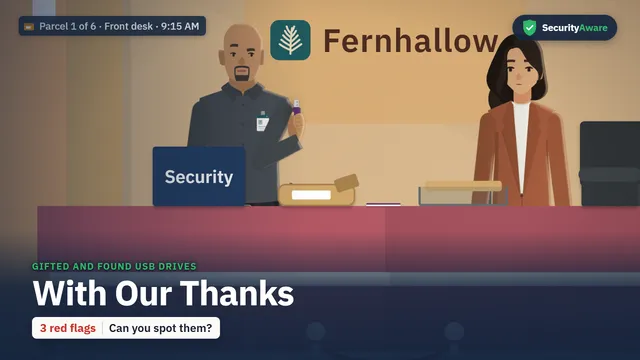
Steve gets a USB stick in the mail from a printing company, with a note saying a gift card code is on it. You will know why you never plug in a stick you didn't ask for, and what to do if one is already in.
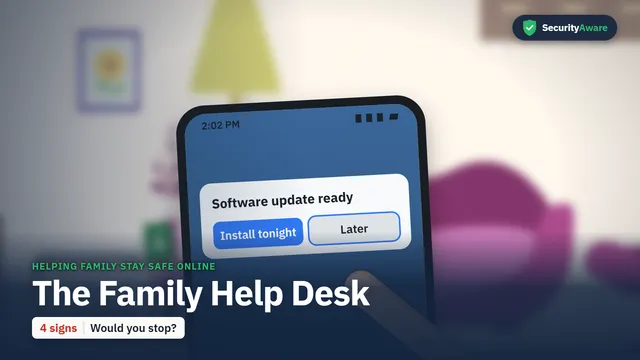
Owen is asked to fix the whole family's gadgets over dinner, from a phone that keeps saying Later to a text from a "new number". You will know how to keep home devices up to date and spot a family text scam.
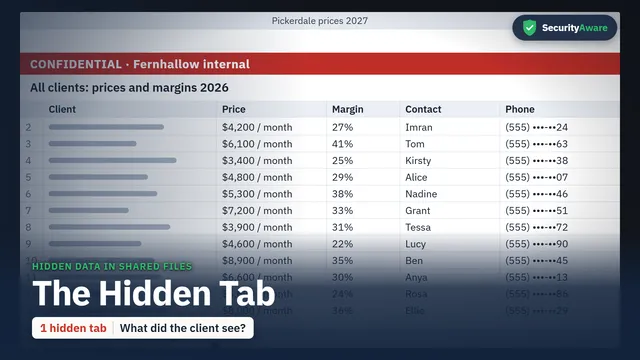
Rob is about to board a plane when he sends last year's price file to a client with new prices. You will be able to check a file for hidden tabs and old data, and know when a data slip must be reported.
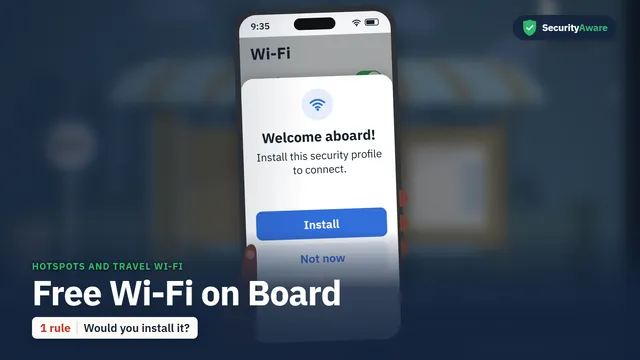
On a bus, Owen sees a free Wi-Fi network ask a fellow passenger to install a security profile before connecting. You will know how to spot an unsafe network, use your own data and act after a slip.
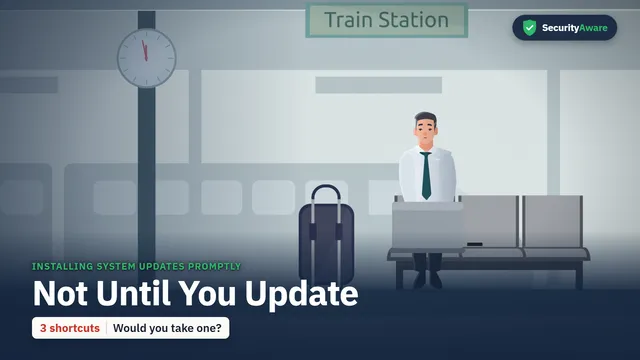
Rob's laptop blocks his mail behind an update just before his train, and he looks for ways around it. You will be able to tell a real update request from a fake, and install updates the day they appear.
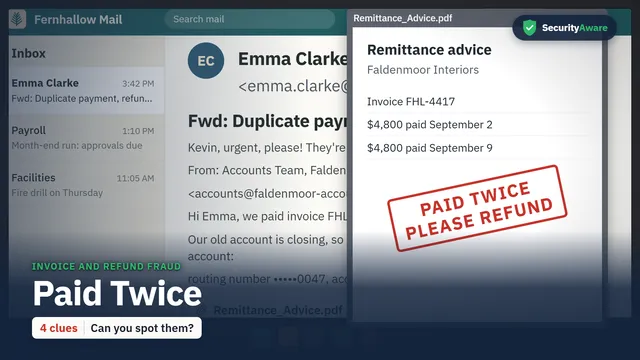
A big client says it paid twice and asks Kevin to refund 4,800 dollars today, to a new bank account. You will be able to check the request against your own bank statement and verify it with a call first.
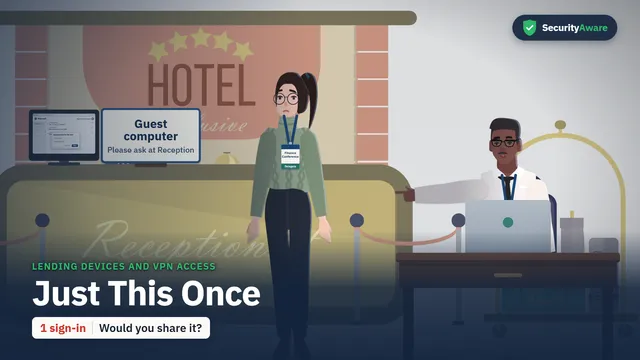
Hayley, working from home, asks Kevin to let her use his VPN sign-in "just this once" before a ten o'clock panel. You will know why your sign-in is yours alone, and how to get your own access.
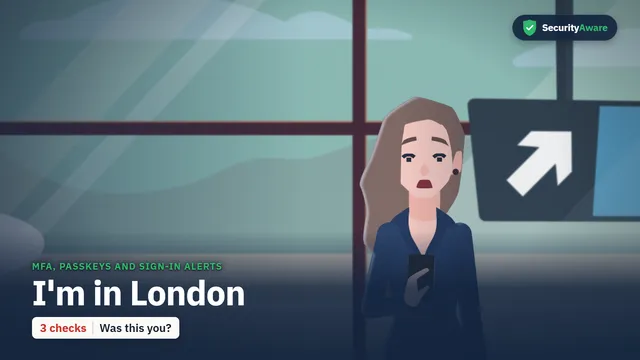
Emma gets an alert that someone signed in to her account from Amsterdam, and she has never been there. You will be able to check an alert, change a password safely and use a passkey.
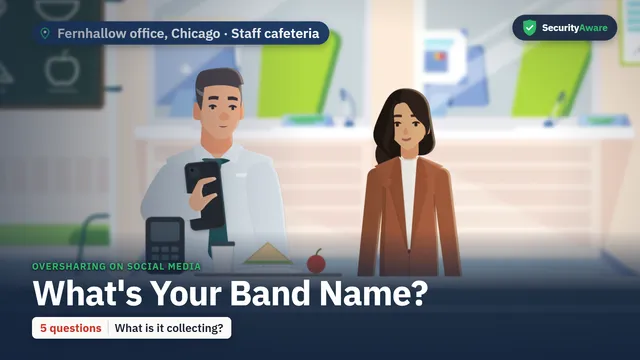
Molly joins a fun "band name" quiz on social media that asks for her first pet and the street she grew up on. You will be able to spot quiz posts that collect security answers, and what to do after posting one.
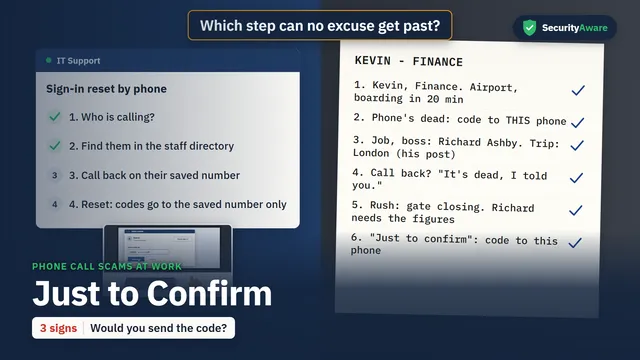
Arjun in IT Support takes a call from "Kevin" at the airport, who is locked out and wants a reset code sent to a friend's phone. You will be able to spot a vishing call and check the caller on a number you already have.
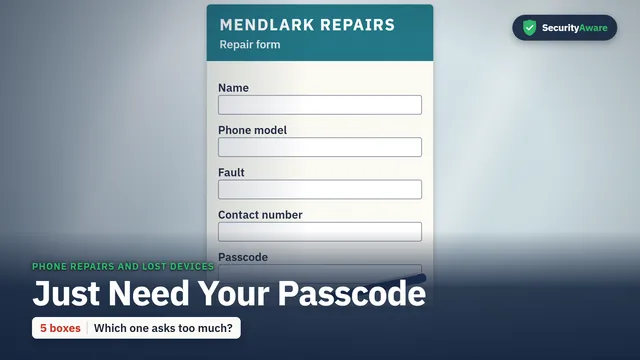
Laura takes her cracked phone to a repair shop, where the assistant asks for her passcode. You will know why you never give it away, and how to prepare a phone with work on it before it leaves your hands.
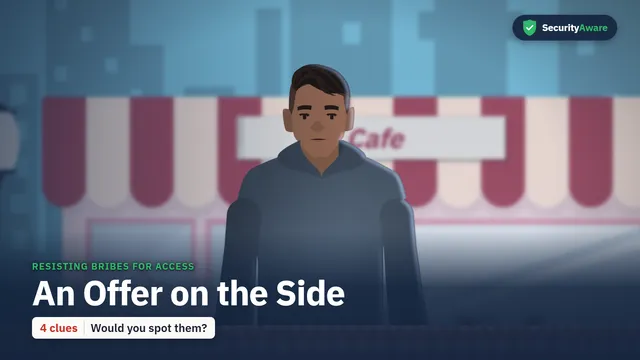
Arjun gets a message from a recruiter who asks what he can sign in to, then offers ten thousand dollars for his login for a week. You will be able to spot the signs of an approach and report it.
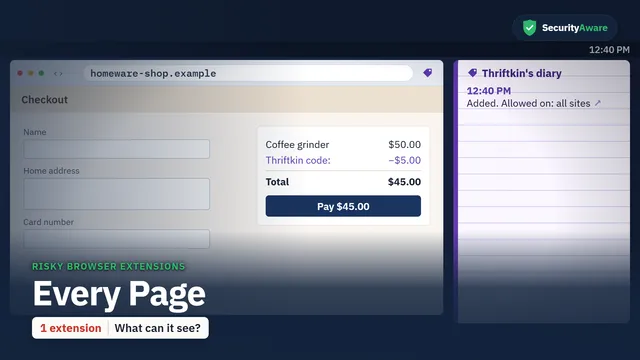
Kevin adds a free coupon extension at lunch, clicking Add without reading what it can see. You will know what an extension can see, how to spot adware and what to do if you find one.
Grace downloads a pack of free fonts for Thursday's pitch, and the preview flashes and shows nothing. You will be able to spot the signs of malware, know what to do in the first minute and where to download safely.
Rob gets a text from the CEO on a new number, asking him to buy gift cards for clients by four. You will be able to spot a smishing text, check a request on a number you already have and report it.
Richard shares his whole screen to 212 people for a travel announcement, with his files and messages in view. You will know what to share, when a call is really over and how to report a slip.
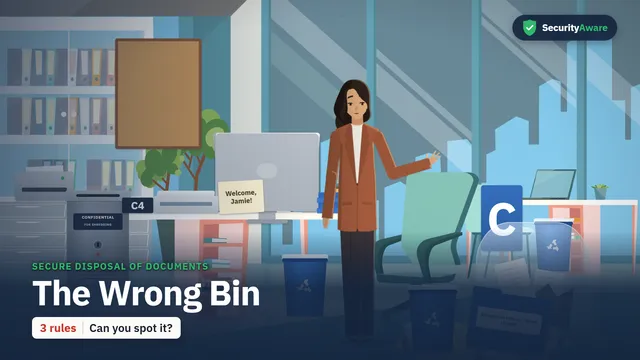
Molly finds paper with tenants' names, addresses and bank details in a recycling bag, put there by a new temp. You will be able to tell which paper is confidential, and report anything found in the wrong place.
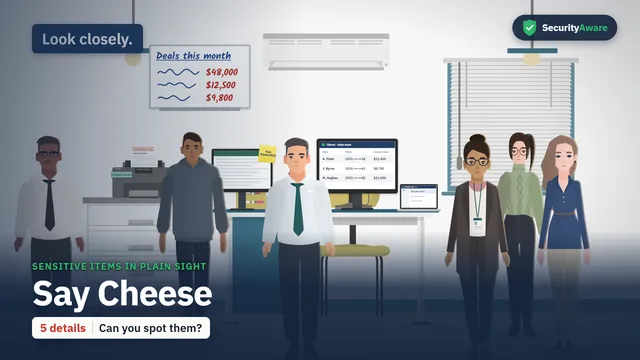
Grace is taking a team photo for the new home page when Molly spots something on a monitor in the shot. You will be able to spot what a camera or passer-by can read on a desk, and clear it up.
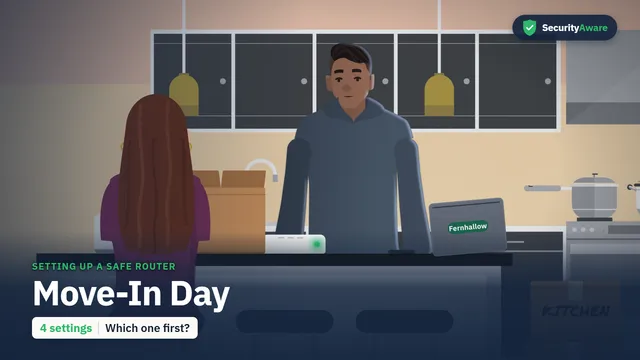
Maddie moves into a new apartment and posts a photo of the router sticker, with both passwords on it, in a party chat. You will know how to change the router's two passwords and set up a guest network.
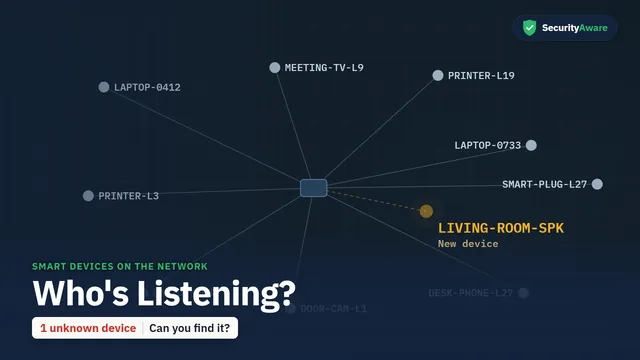
Owen finds an unknown smart speaker on the staff Wi-Fi, sending data to an outside server every two minutes. You will know why smart devices need IT's approval at work, and how to set them up safely at home.
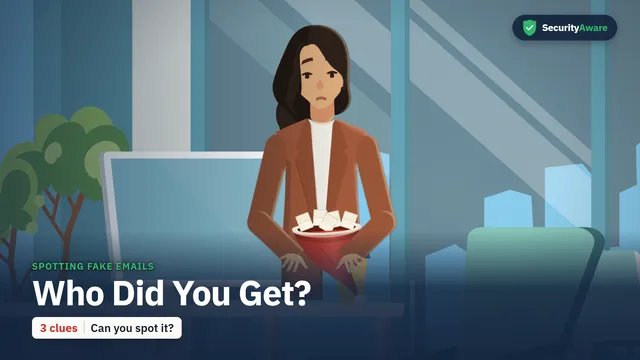
Molly learns that an email in her name is running a Secret Santa draw on her floor, and she never sent it. You will be able to check the address behind a name, press Report and know what to do after a click.
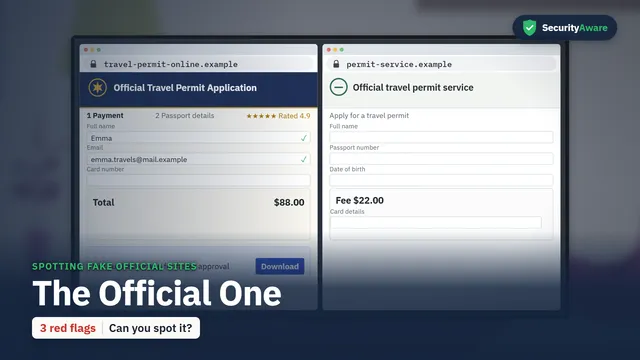
Emma applies for a travel permit online and clicks the top search result, which looks official but costs far too much. You will be able to spot a copycat site and reach the real service another way.
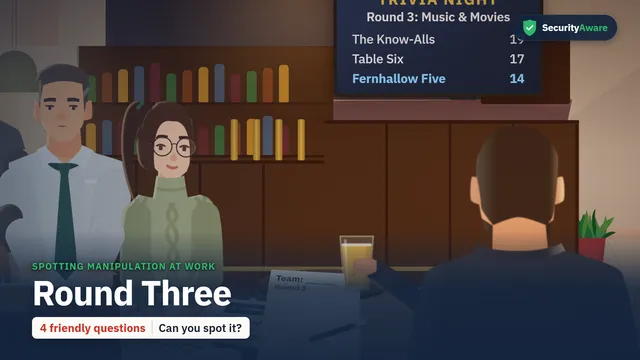
Hayley and Rob are at a trivia night when a friendly stranger asks four easy questions between rounds. You will be able to spot elicitation, politely decline work questions and report if you said too much.
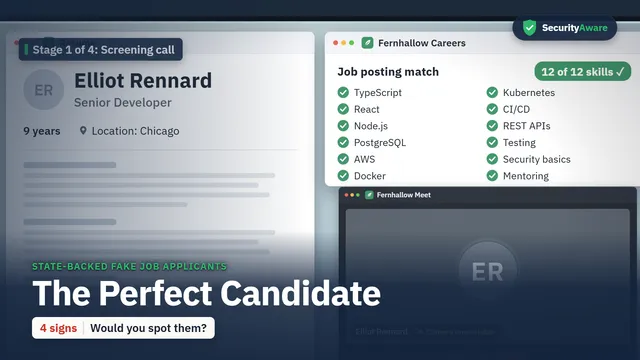
Helen interviews a remote candidate who has every skill on the list but never turns on a camera. You will be able to spot the signs of a fake worker and report what doesn't fit without waiting for proof.
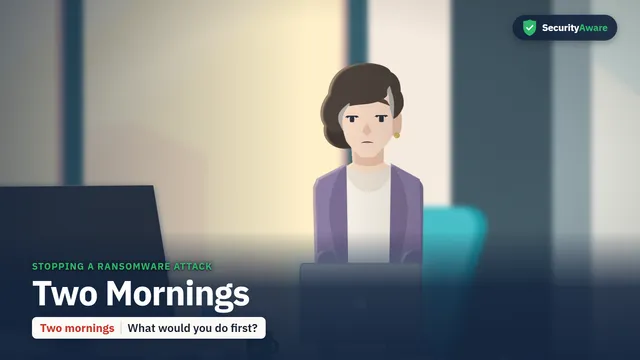
Helen's files start changing their names while she is typing an offer letter. You will see two ways the morning could go, and learn what to do in the first minute.
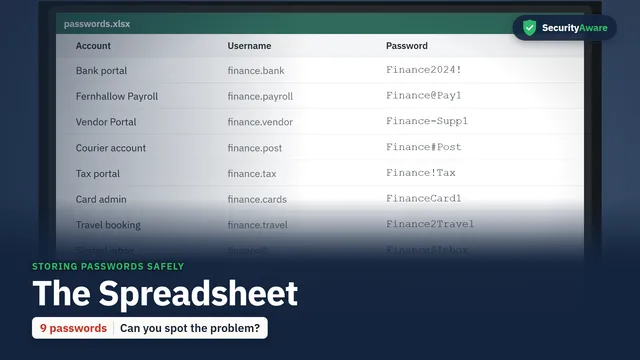
Laura finds a file called "passwords" on the Finance drive, shared by twelve people and known to someone who has left. You will know where passwords belong and how to make strong ones.
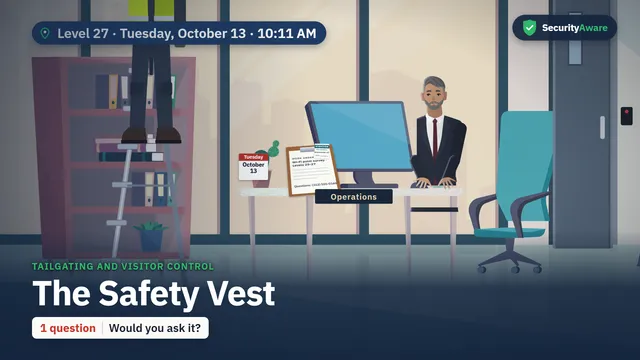
A man in a safety vest with a ladder says he is here to check the Wi-Fi, and colleagues let him through floor by floor. You will be able to ask who booked a visitor, check with Reception and report your own slips.
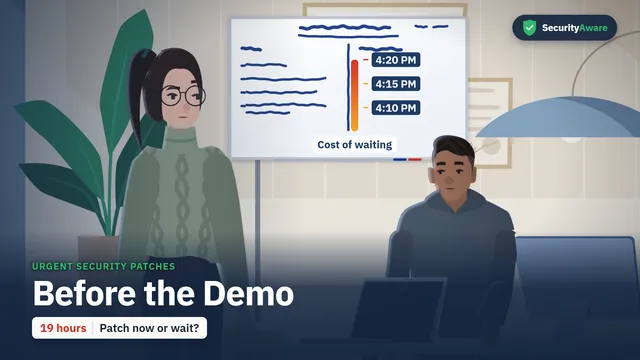
Arjun finds a flaw in the code the company app uses for uploads, with a client demo at ten tomorrow. You will know why a security fix goes in at once, and what to do when the deadline gets in the way.
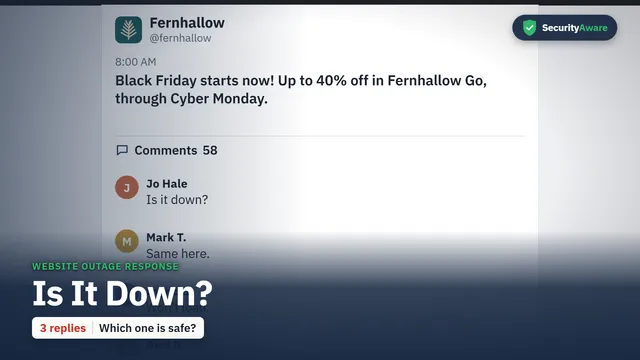
Grace sees customers saying the app won't load, and wonders if it is just them. You will be able to report an outage at once, share only the agreed message and know what a denial of service means.
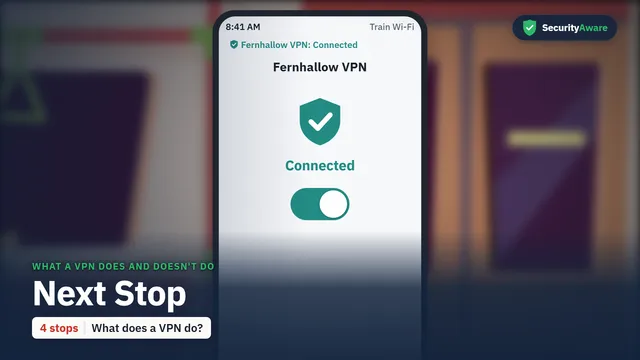
Arjun is on a train with slow Wi-Fi and a demo at nine thirty, so he switches off the company VPN for one stop. You will know what the VPN does and does not protect you from, and to keep it on outside the office.
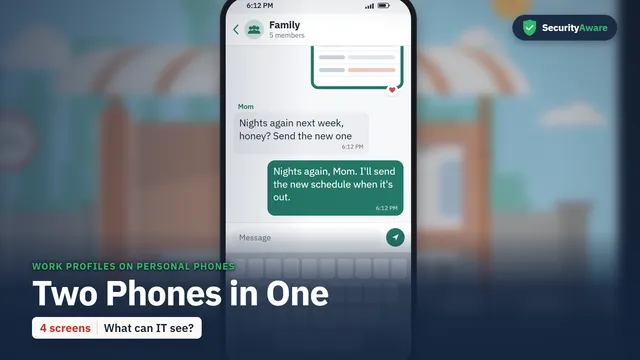
Steve is asked to move the schedule onto the work app on his own phone, and he worries IT will see his photos. You will know what a work profile can and can't see, and how to keep work on the work side.
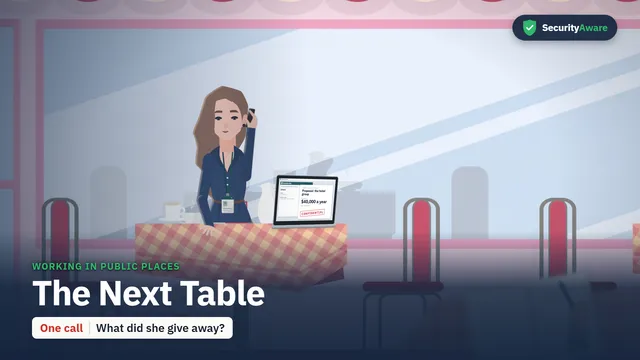
Emma takes a sales call about a big deal in a coffee shop, then goes to collect her coffee with her laptop open. You will be able to spot what a stranger nearby can learn, and keep calls and screens private.
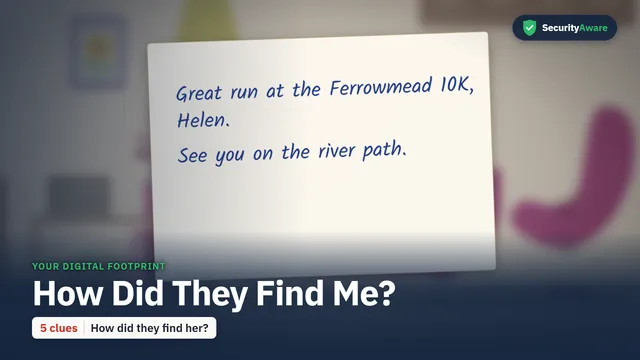
Helen receives a handwritten note at home from a stranger who knows where she runs, and wonders how they found her. You will be able to see how small public details add up, and close each one.
The 11 standards courses
Courses for the standards and rules US teams ask about, from onboarding and reporting to US privacy, HIPAA, PCI DSS and cyber risk for boards. The UK GDPR course is in the UK edition only.
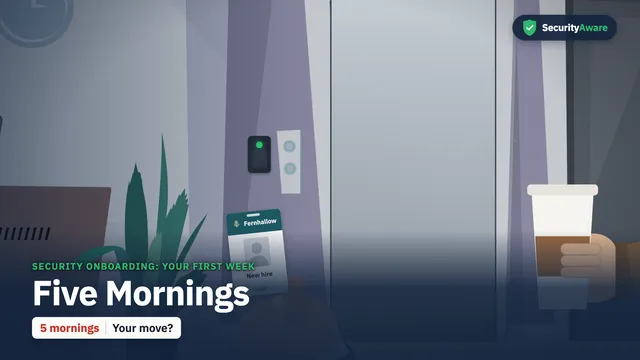
Steve guides a new hire through her first five mornings, from a message with a link to setting up a sign-in. You will know the everyday security rules for your first week and who to ask.
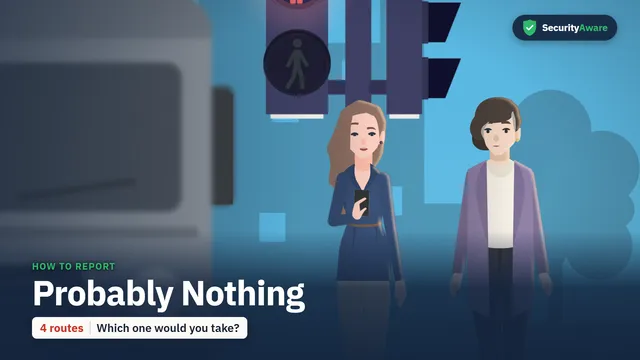
Emma gets a shared file link from a colleague who never sends links, and thinks it is probably nothing. You will know what to report, which route to use, and why nobody is blamed for reporting.
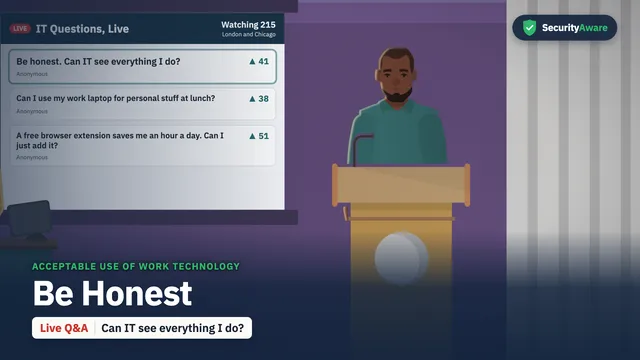
At a live staff Q&A, Owen from IT Support answers Grace's honest questions about what IT can see and what is allowed. You will know how to use work devices, accounts and files the right way.
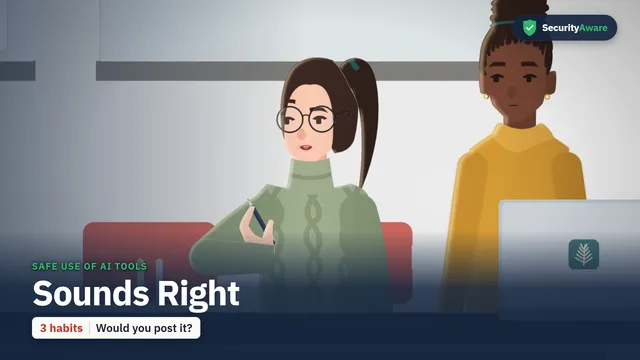
Grace and Hayley review an announcement drafted with an AI tool that sounds right but gets the numbers wrong. You will know which AI tools to use for work, what never to paste in, and how to check every answer.
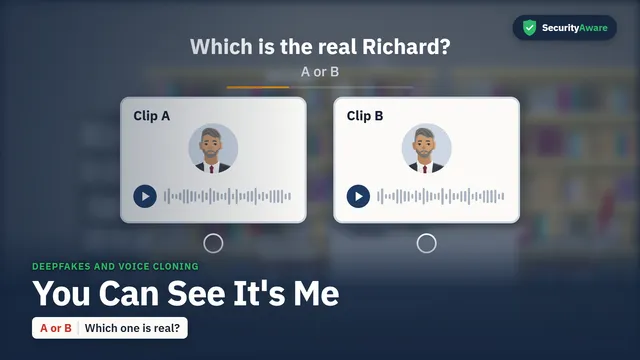
Hayley gets a voice message and a video call from Richard, asking her to approve a payment to a new account before three. You will know why a familiar voice or face is not proof, and how to check.
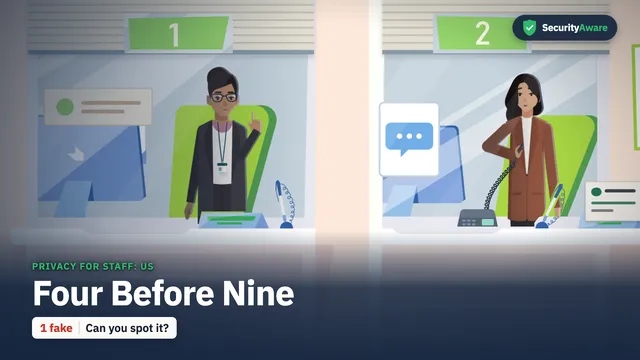
Molly handles four customer privacy requests before nine, from an opt-out to a file request that may not be real. You will be able to log each request the day it arrives and verify who is asking.
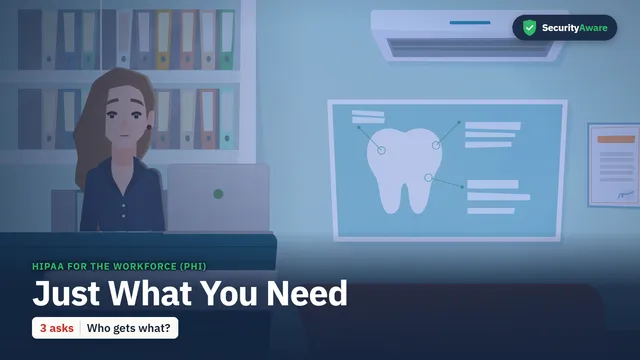
Emma's team handles billing for a dental office when a colleague asks to see a well-known patient's file out of curiosity. You will know what PHI is and how to share only the minimum a task needs.
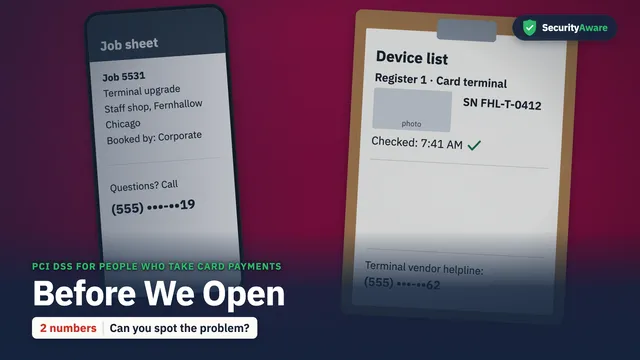
Molly checks the card terminals before the shop opens, then a visitor arrives to swap one. You will be able to check a terminal, keep card numbers out of notes and verify any visit before you let it happen.
On his last week, Gavin asks his manager Richard to keep his login open for a few more days. You will know how to close access on a leaver's last day, approve access carefully and handle a team member's report.
Hayley quizzes her study partner Steve on twenty quick cases from the year, from changed bank details to an unknown USB stick. You will pick the safe move for each case and report at once.
A customer list appears for sale online, and the board meets to decide what to do while IT works on the fix. You will know the four decisions that only a board can make, and why timing matters for notices.
Standards US teams ask about
SOC 2
Maps to the SOC 2 criteria CC1.4 and CC2.2 (all-staff awareness).
HIPAA
Supports the security awareness and training standard of the HIPAA Security Rule (45 CFR 164.308(a)(5)).
PCI DSS
Maps to PCI DSS 12.6.
ISO 27001
Supports the awareness training requirement of ISO 27001 (A.6.3).
We have also mapped NIST CSF 2.0, NIST SP 800-53 and 800-171, NYDFS Part 500, the FTC Safeguards Rule and CCPA/CPRA against our courses. Ask us for the mapping.
What you can see today
All 51 US courses are finished. The demo page shows our phishing course for Gulf workplaces, which is a different story with a different cast; ask us for a demo of the US edition. Watch the full phishing course or read what security awareness training is.
Questions people ask
Are the US courses ready to use?
Yes. All 51 courses are finished, each with a scenario quiz and captions. Ask us for a demo or a price.
Is it the Gulf course with new voices?
No. It is a new library: new stories, new cast, new settings and names, new quizzes, written for US teams. Nothing in it is a Gulf course dubbed.
Can the courses show our own way to report?
Yes: as in the current courses, the last screen shows your own report method and security contact.
Are there HIPAA and PCI DSS courses?
Yes: HIPAA for the Workforce (PHI) and PCI DSS for People Who Take Card Payments are two of the 11 standards courses. The HIPAA and PCI DSS pages show which course topics cover which parts of those rules.
Last updated: 2026-10-16. Price on request: see plans and prices.