Secure email training: Out of Office
Secure Email Use training in a 2:35 animated story. It covers Sending safely: autocomplete, BCC, attachments, auto-forwarding, encryption. In English and Arabic, with captions you can switch on or off, and a scenario quiz at the end.
What your team will learn
-
State why work mail must never be forwarded to a personal account, even on leave, and name the safe way to keep up: the company mail app and the out-of-office.
-
Report a mail rule you didn't create, such as one that forwards or hides mail, to your security team, instead of only deleting it.
-
Check an email before it leaves: use BCC for outside groups, read the full address and company instead of trusting autocomplete, and attach only what the recipient needs.
-
Send sensitive data outside the company with the company's approved encryption, and send the password another way, by phone or text, never by email.
The story
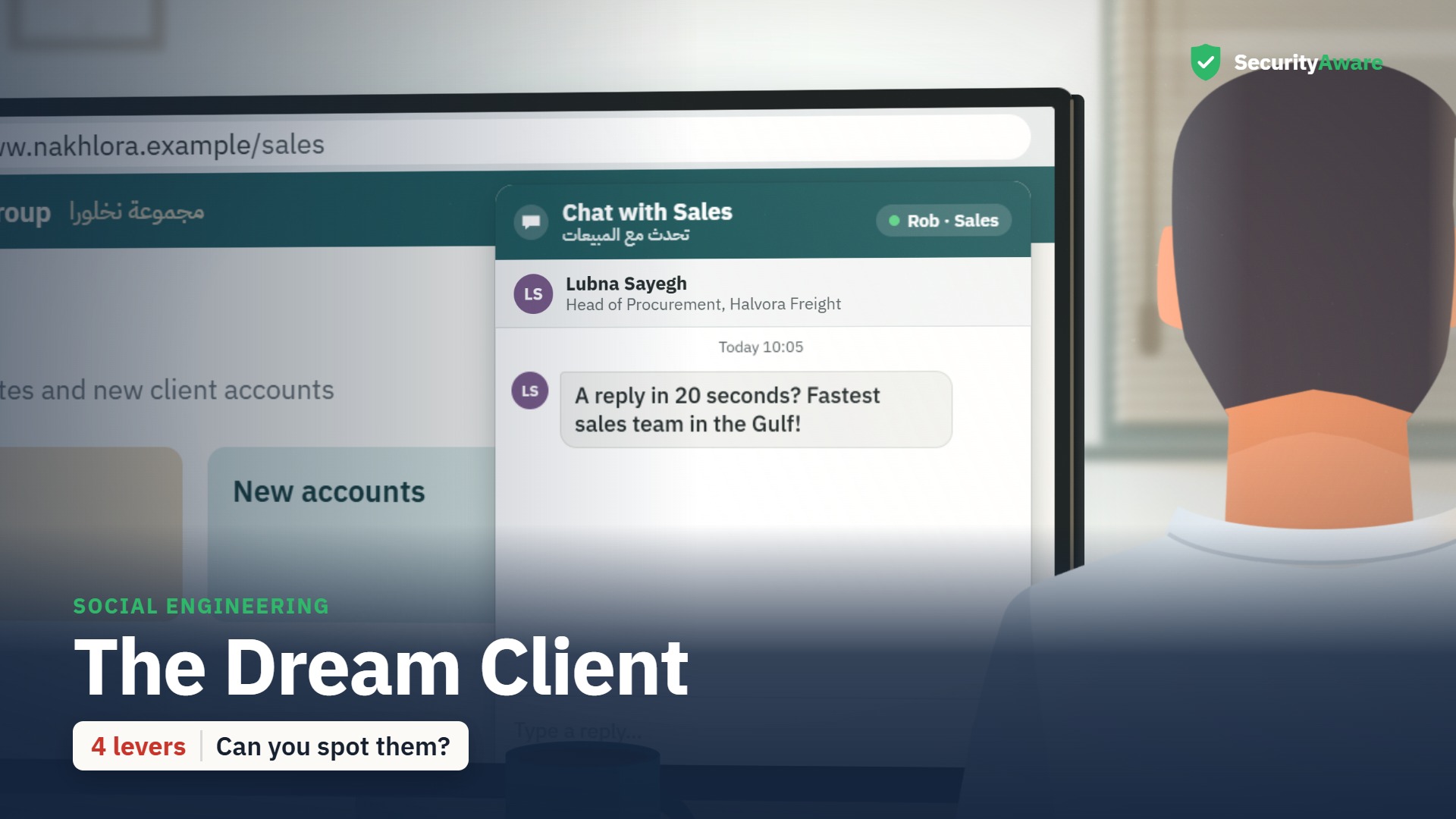
“Out of Office” is the story at the heart of this course. Rob (sales coordinator) is the lead character; the learner watches the situation unfold, spots the warning signs, and sees the right thing to do. Set in Nakhlora Group, a fictional Gulf company.
Sample quiz question
Layla's console shows a new rule forwarding all of Rob's mail to robs.mail@homemail.example. Why did she treat it as a possible attack?
- Personal webmail accounts are always hacked sooner or later.
- It's the same rule criminals make with a stolen password.
- Only IT Support is allowed to create mail rules for staff.
- A rule like this fills the work mailbox far too quickly.
Correct answer: It's the same rule criminals make with a stolen password.
Why: Criminals who steal a password often set up a forward like this to read mail quietly. That's why a rule nobody expected is treated as a warning sign.
Full transcript
Transcript of the English video. The Arabic transcript is on the Arabic page.
Key facts
| Length (English) | 2:35 |
|---|---|
| Length (Arabic) | 3:03 |
| Languages | English · العربية |
| Captions | WebVTT |
| Quiz bank | 14 |
| Questions shown | 10 |
| Pass mark | 80 |
| Lead character | Rob — sales coordinator |
| LMS id | 2051 |
Questions people ask
How long is the Secure Email Use course?
2:35 in English and 3:03 in Arabic.
Is the course available in Arabic?
Yes — a full Arabic version with Arabic voices and a right-to-left Arabic course layer.
Does it include a quiz?
Yes — a bank of 14 scenario questions; each learner gets 10 in random order, pass mark 80.