BYOD training: But Why?
BYOD training in a 2:31 animated story. It covers Personal devices for work: enrolment, keeping work separate, a lost device. In English and Arabic, with captions you can switch on or off, and a scenario quiz at the end.
What your team will learn
-
State why you enrol your own phone or tablet for work through your company's portal: work gets its own area, which can be removed.
-
Identify screenshots and copies of work in your own photos, chats or cloud as out of place, and delete and report any you find.
-
State the order before a device with work on it is sold, given away or repaired: tell IT Support first, then reset it.
-
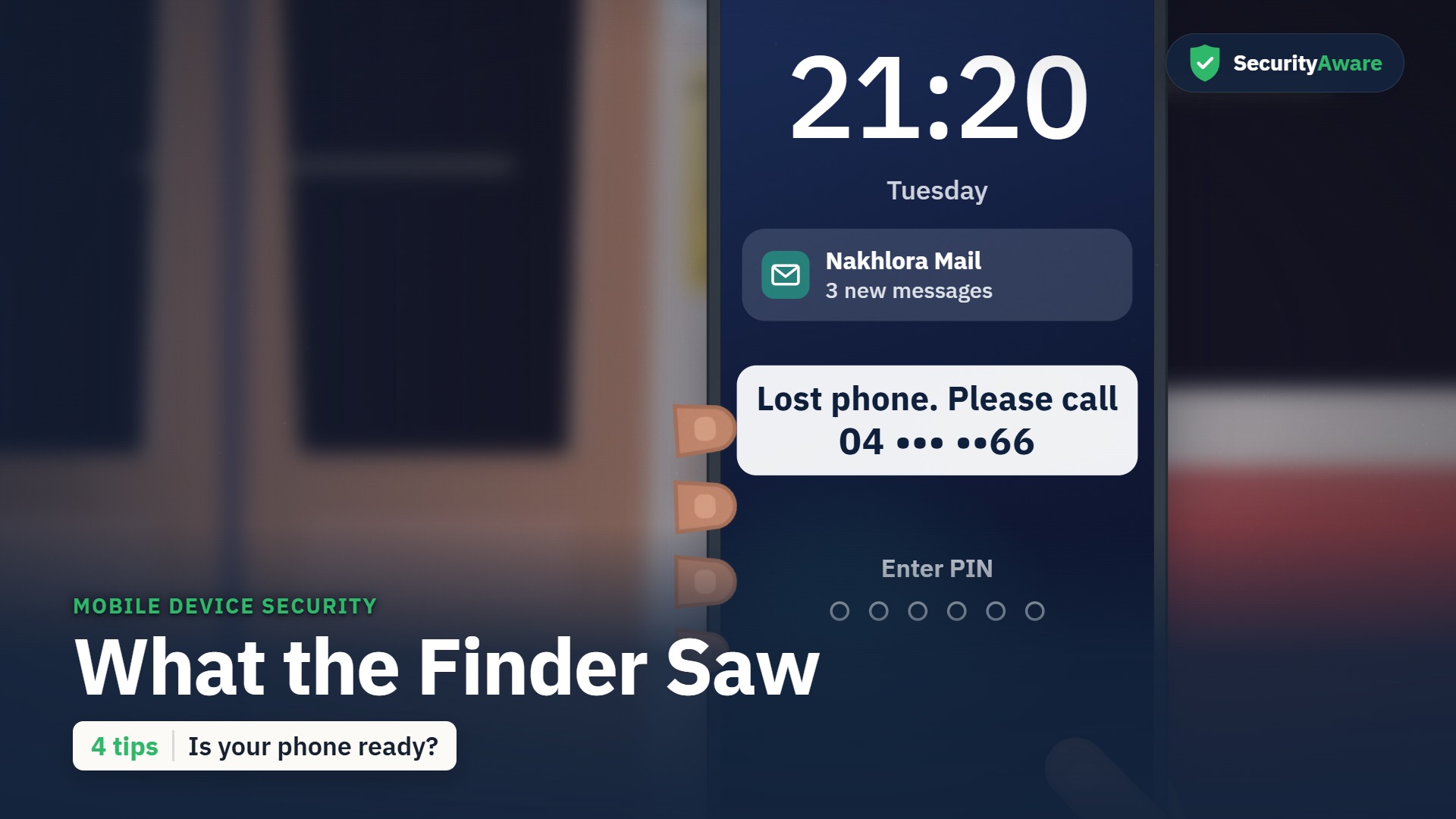
Report a lost device with work on it to IT Support or your security team at once.
The story
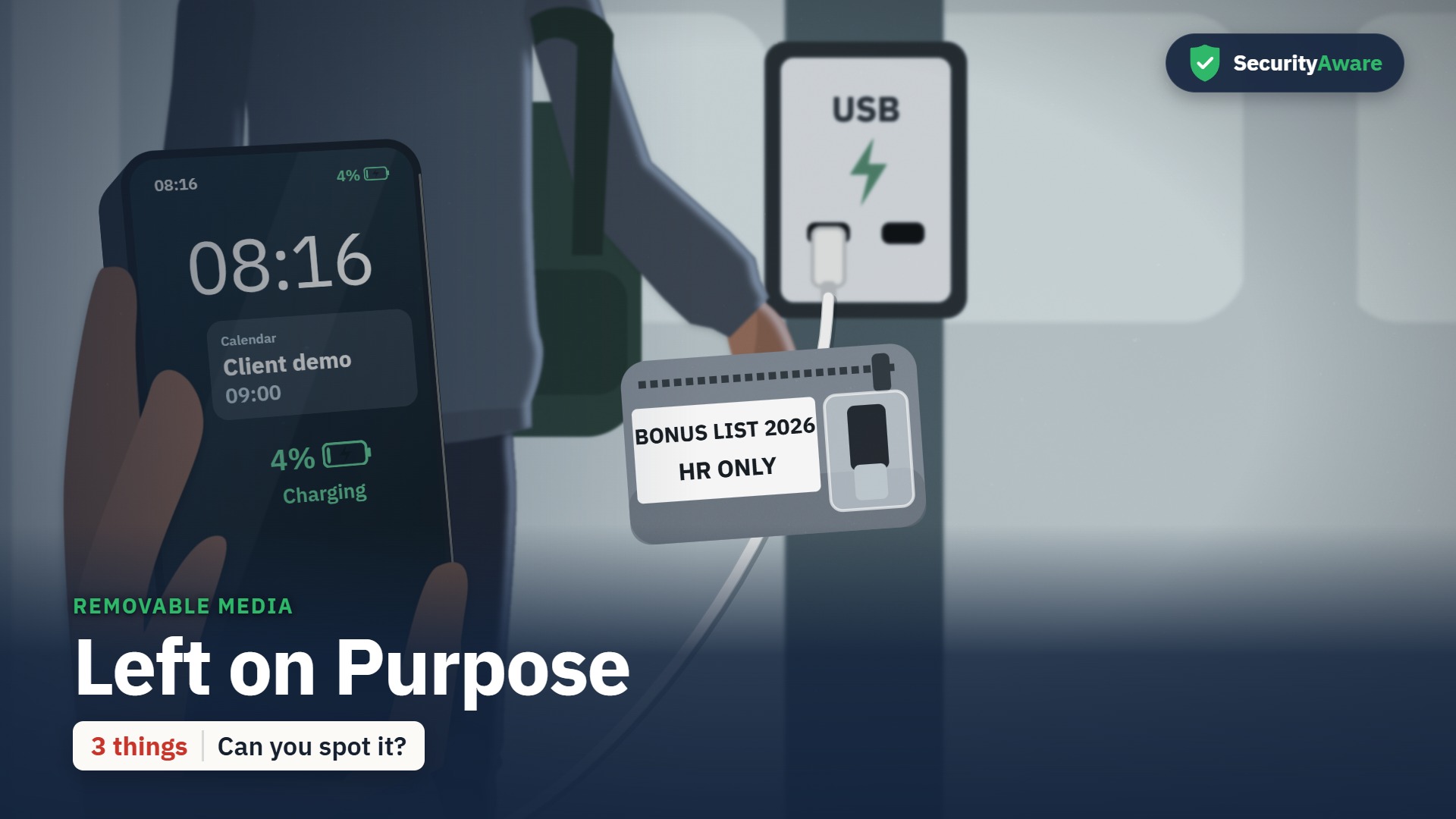
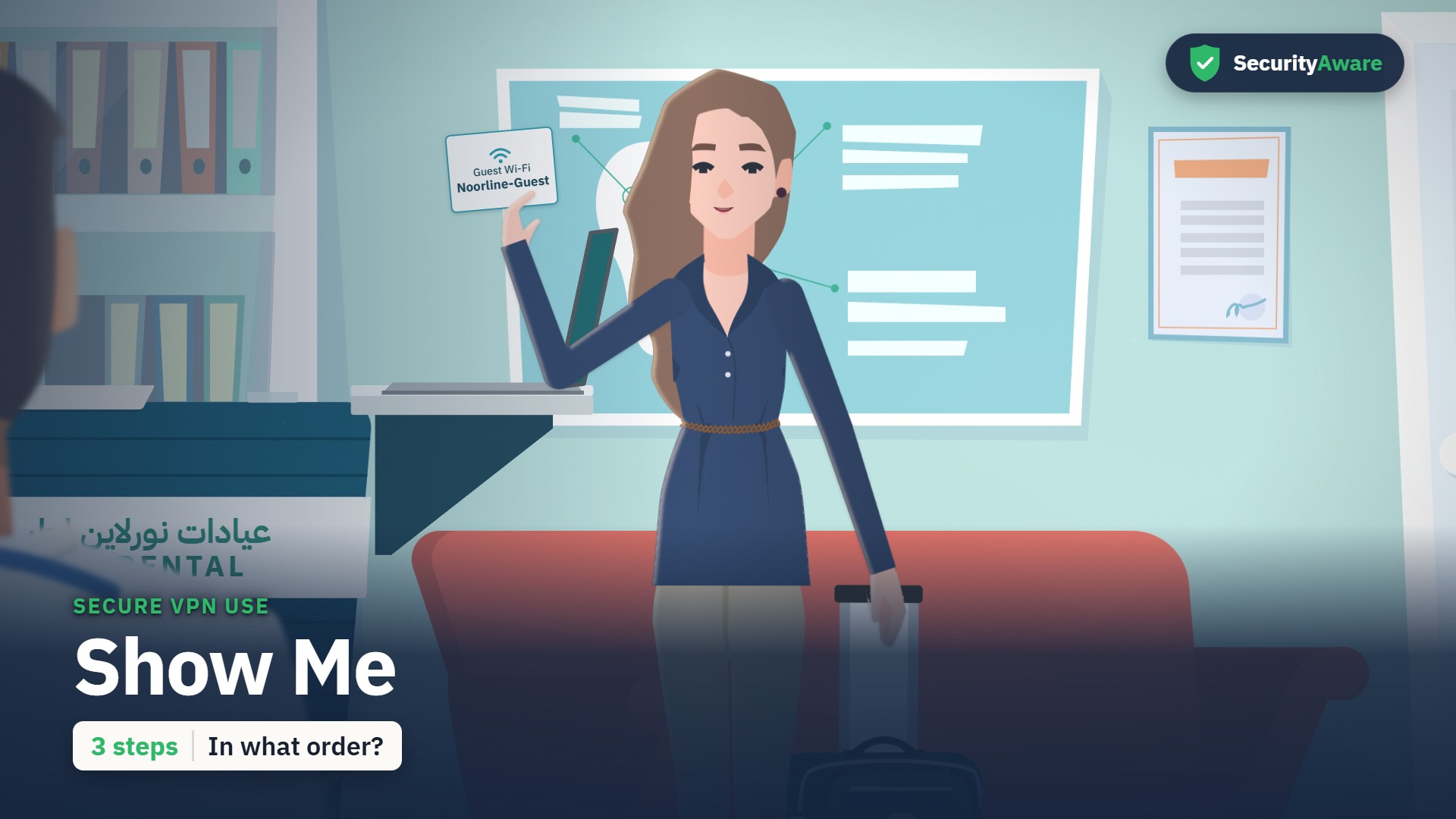
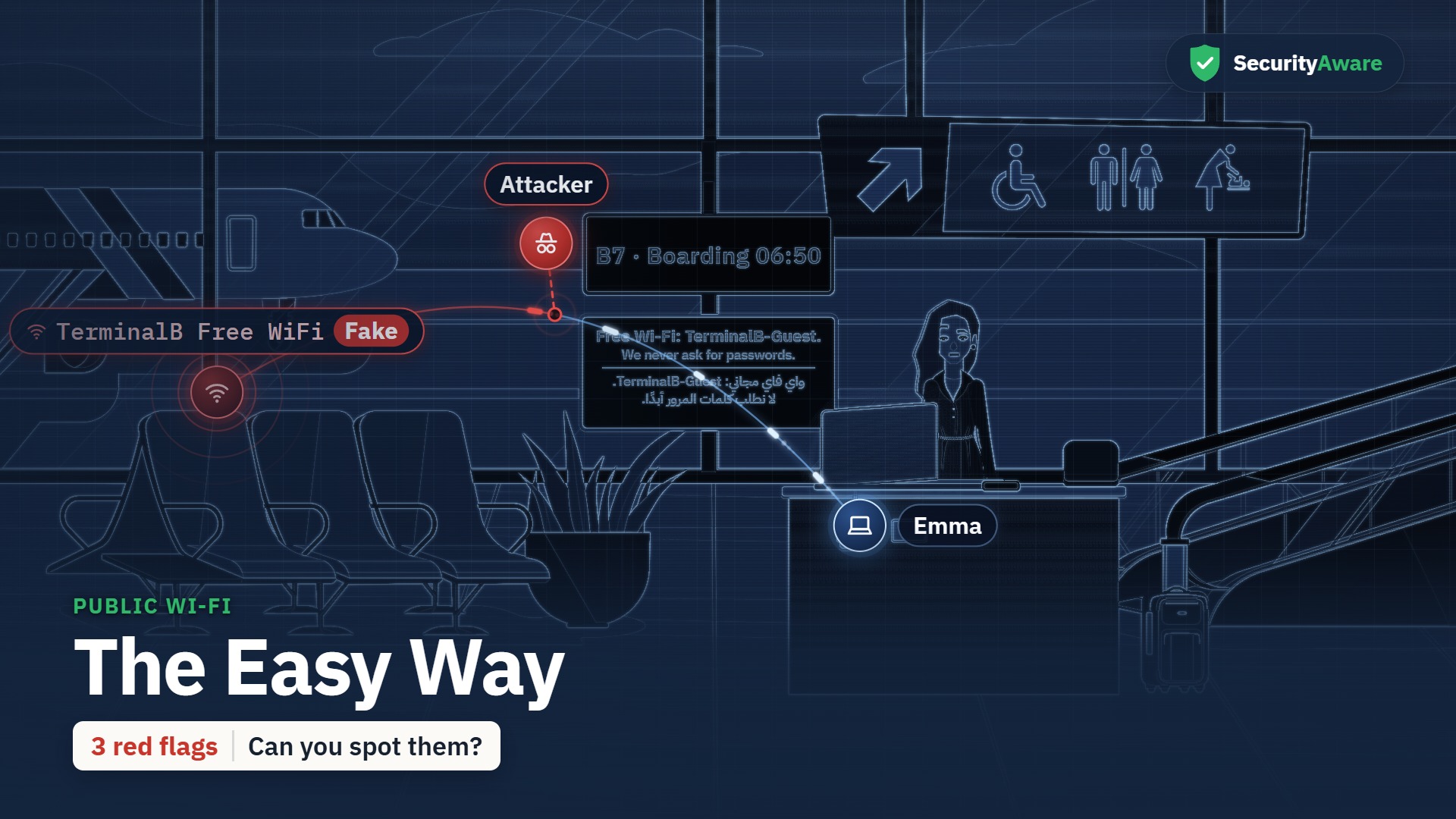
“But Why?” is the story at the heart of this course. Emma (account manager) is the lead character; the learner watches the situation unfold, spots the warning signs, and sees the right thing to do. Set in Nakhlora Group, a fictional Gulf company.
Sample quiz question
Emma's old tablet still has her work mail and client files on it, and her brother is waiting for it. What should she do first?
- Reset it to factory settings herself, then hand it over.
- Sign out of every work app and give it to him tonight.
- Message IT Support, so they take the work area off.
- Delete the work apps one by one, then give it to him.
Correct answer: Message IT Support, so they take the work area off.
Why: Before a device with work on it changes hands, tell IT Support first: they take the work area off properly, then you reset it. Resetting it alone, signing out or deleting apps skips that step.
Full transcript
Transcript of the English video. The Arabic transcript is on the Arabic page.
Key facts
| Length (English) | 2:31 |
|---|---|
| Length (Arabic) | 3:01 |
| Languages | English · العربية |
| Captions | WebVTT |
| Quiz bank | 14 |
| Questions shown | 10 |
| Pass mark | 80 |
| Lead character | Emma — account manager |
| LMS id | 2064 |
Questions people ask
How long is the BYOD course?
2:31 in English and 3:01 in Arabic.
Is the course available in Arabic?
Yes — a full Arabic version with Arabic voices and a right-to-left Arabic course layer.
Does it include a quiz?
Yes — a bank of 14 scenario questions; each learner gets 10 in random order, pass mark 80.