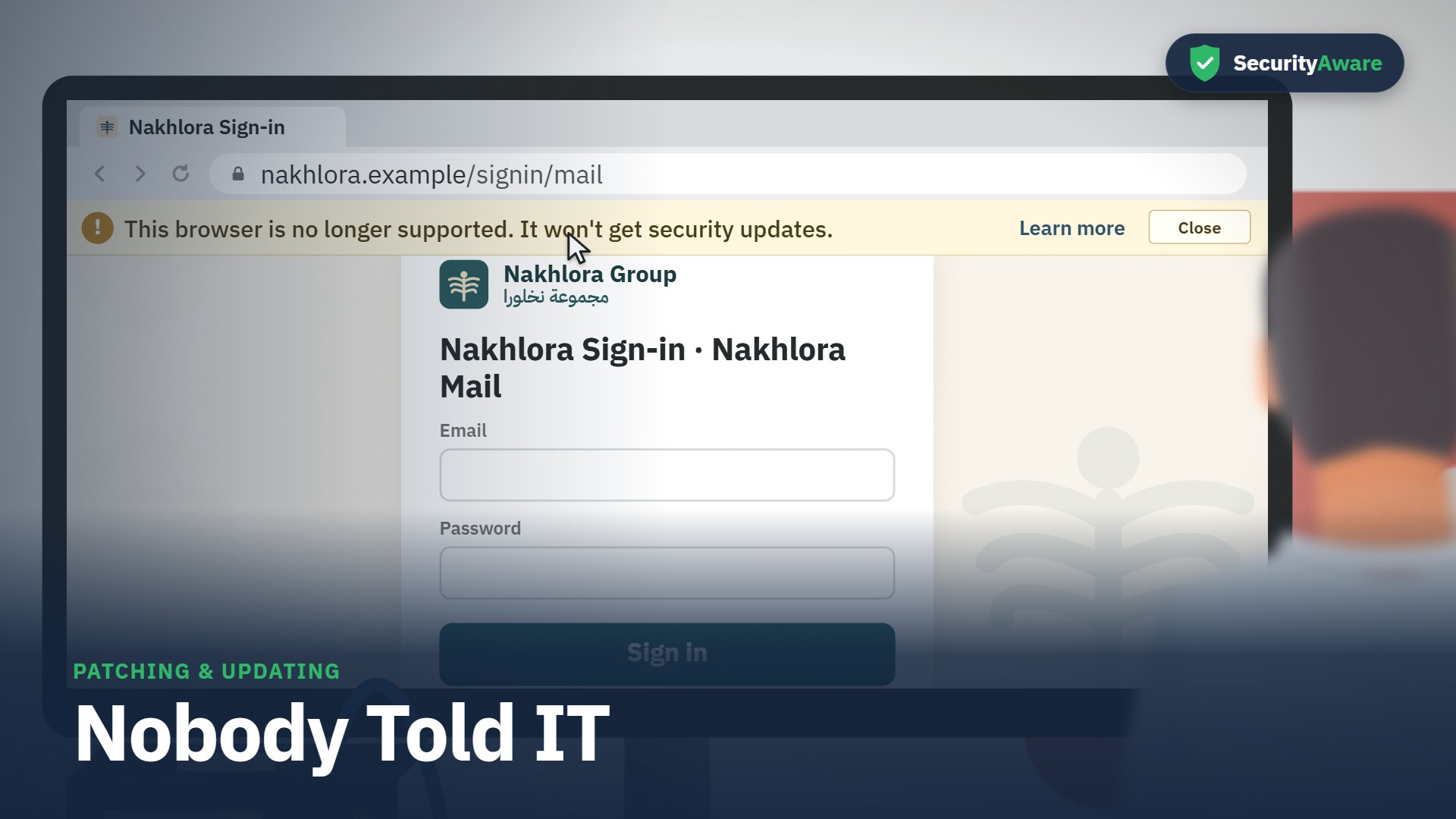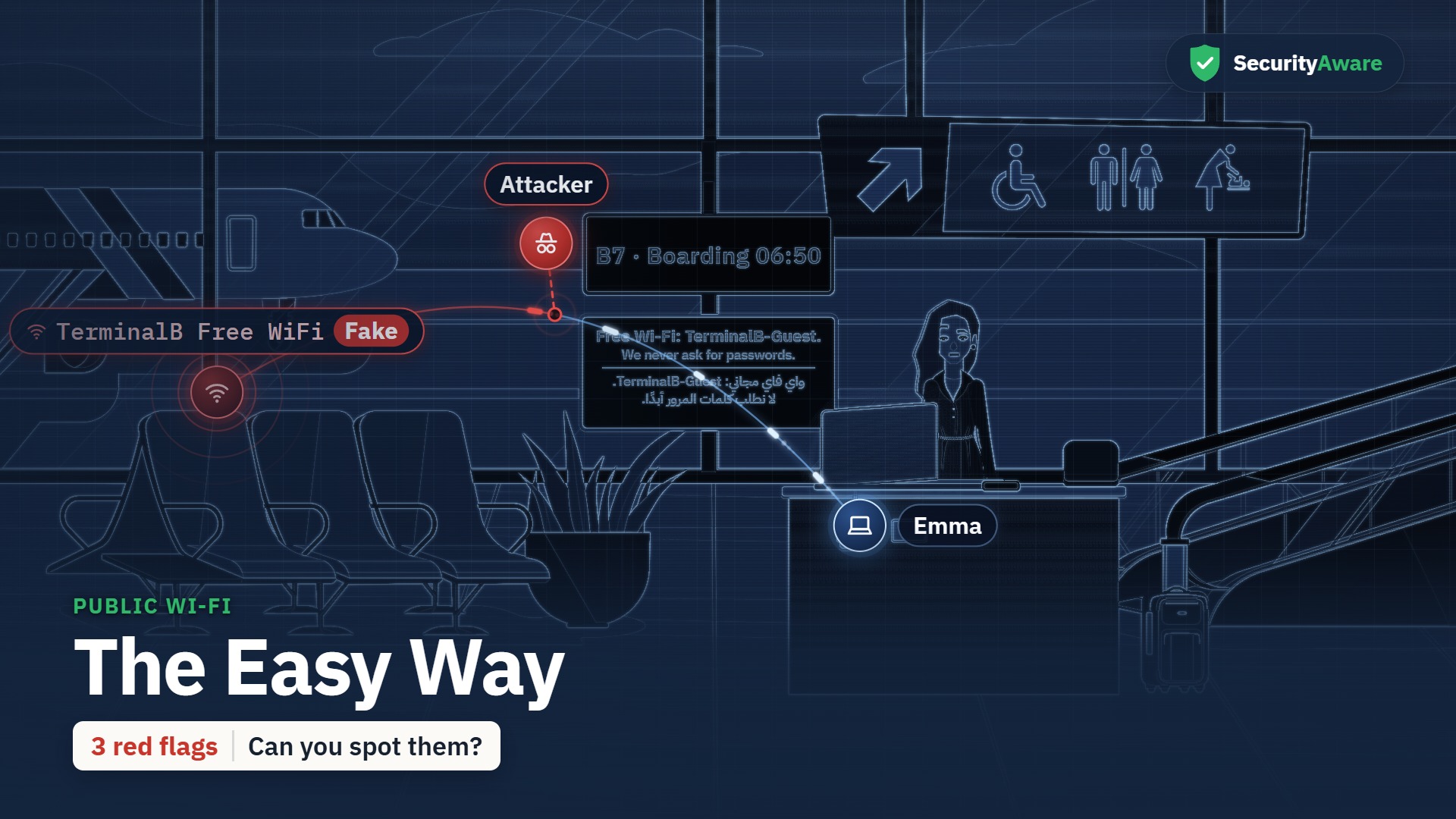
Spyware and adware training: Three Suspects
Spyware & Adware training in a 2:52 animated story. It covers Malicious apps and extensions, app permissions, stalkerware. In English and Arabic, with captions you can switch on or off, and a scenario quiz at the end.
What your team will learn
-
Identify four signs of adware or spyware: ads where there were none, a new toolbar or home page, searches that go somewhere else, and a phone that runs hot or drains fast.
-
Check any app or extension with three questions before adding it (what can it see, does it need that, where did it come from), and use only ones IT approves.
-
State what to do when you find one: remove it, report it to your security team, and change the passwords you typed while it was there, from another device.
-
State the safe first step if someone may be watching you through your phone: it is not your fault; don't confront them or delete the app in a rush; talk to someone you trust, HR in confidence, or the police.
The story
“Three Suspects” is the story at the heart of this course. Grace (social media manager) is the lead character; the learner watches the situation unfold, spots the warning signs, and sees the right thing to do. Set in Nakhlora Group, a fictional Gulf company.
Sample quiz question
Grace's work browser suddenly fills with ads, and a coupon bar she never added slides in. What is the most likely cause?
- The site she searched is running a big sale this week.
- Something she added is pushing ads into her browser.
- Her laptop is short of memory after the video edit.
- Her browser needs a restart to clear old pages.
Correct answer: Something she added is pushing ads into her browser.
Why: Ads where there were none and a bar you never added are signs of adware: something you added, often an extension, is pushing them.
Full transcript
Transcript of the English video. The Arabic transcript is on the Arabic page.
Key facts
| Length (English) | 2:52 |
|---|---|
| Length (Arabic) | 3:23 |
| Languages | English · العربية |
| Captions | WebVTT |
| Quiz bank | 14 |
| Questions shown | 10 |
| Pass mark | 80 |
| Lead character | Grace — social media manager |
| LMS id | 2037 |
Questions people ask
How long is the Spyware & Adware course?
2:52 in English and 3:23 in Arabic.
Is the course available in Arabic?
Yes — a full Arabic version with Arabic voices and a right-to-left Arabic course layer.
Does it include a quiz?
Yes — a bank of 14 scenario questions; each learner gets 10 in random order, pass mark 80.