OS updates training: Remind Me Tomorrow
OS Updates training in a 2:36 animated story. It covers Keeping your own laptop and phone updated; don’t postpone restarts. In English and Arabic, with captions you can switch on or off, and a scenario quiz at the end.
What your team will learn
-
State why a downloaded security update doesn't protect you until the restart, and restart your laptop and phone the same day they ask (not 'Remind me tomorrow', and not just closing the lid).
-
Identify the signs that a laptop or phone is behind on updates: a restart prompt that keeps being postponed, an update waiting, and automatic updates turned off.
-
Prepare for an update correctly: save your work, plug in, don't switch off during the install, keep automatic updates on, and let the phone install overnight, plugged in and on Wi-Fi.
-
Explain why devices that skip a released fix become targets, and contact IT Support when an update keeps failing.
The story
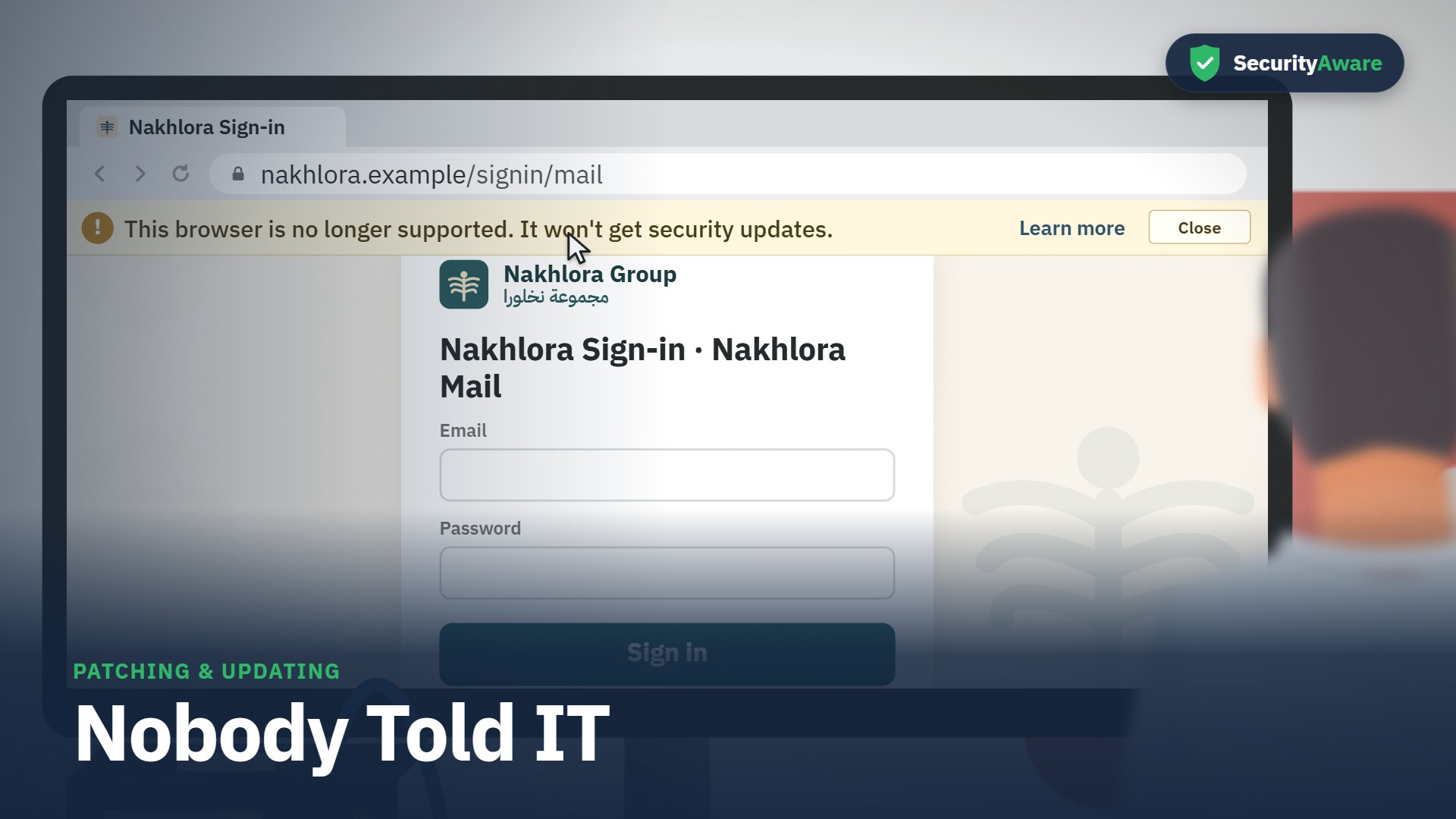
“Remind Me Tomorrow” is the story at the heart of this course. Omar (IT support lead) is the lead character; the learner watches the situation unfold, spots the warning signs, and sees the right thing to do. Set in Nakhlora Group, a fictional Gulf company.
Sample quiz question
Your laptop asks you to restart for a security update just as a colleague calls you for help. What is the best choice?
- Click Remind me tomorrow, as tomorrow will be quieter.
- Close the lid so the prompt goes away, then go and help.
- Save your work and restart now, or pick a time later that day.
- Leave it; it's downloaded, so you're already covered.
Correct answer: Save your work and restart now, or pick a time later that day.
Why: A restart takes minutes, and the fix only works after it. If now is a bad moment, choose a time the same day, not tomorrow.
Full transcript
Transcript of the English video. The Arabic transcript is on the Arabic page.
Key facts
| Length (English) | 2:36 |
|---|---|
| Length (Arabic) | 3:04 |
| Languages | English · العربية |
| Captions | WebVTT |
| Quiz bank | 15 |
| Questions shown | 10 |
| Pass mark | 80 |
| Lead character | Omar — IT support lead |
| LMS id | 2059 |
Questions people ask
How long is the OS Updates course?
2:36 in English and 3:04 in Arabic.
Is the course available in Arabic?
Yes — a full Arabic version with Arabic voices and a right-to-left Arabic course layer.
Does it include a quiz?
Yes — a bank of 15 scenario questions; each learner gets 10 in random order, pass mark 80.